
The couple’s gallery and the guest’s gallery are not the same request. Families want the rituals. Friends want the dance floor. A single zip satisfies neither without a lot of scrolling.
Guest cameras and the official team both create files. If those never meet, the studio is blamed for photos it never received, and the couple misses frames from tables the photographers could not cover.
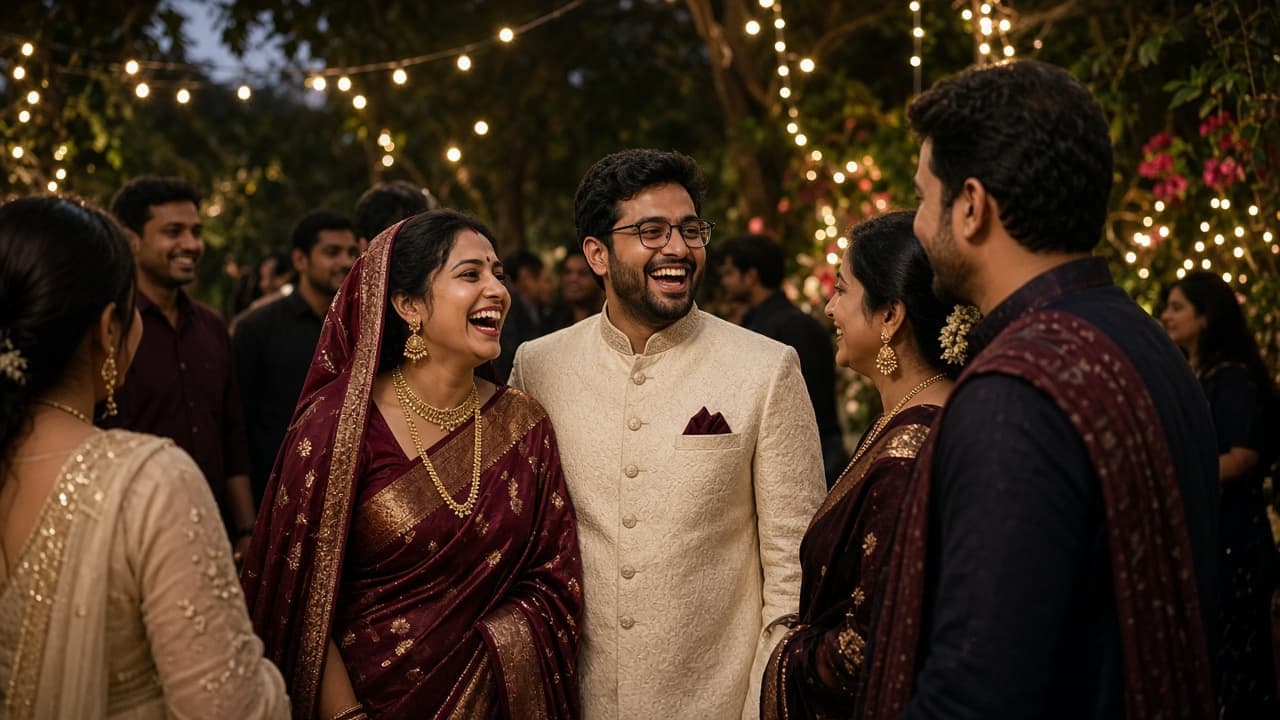
How Pixeva handles it
Create one wedding event and add sub-events for ceremony, sangeet, cocktail, or reception. Upload the official photographs into the part of the day they belong to. Share a guest upload link, with a QR code if you want phones at the venue to contribute, and approve what should enter the album.
When you publish, guests open one link. They can browse a function or use selfie search where it is enabled. WhatsApp can carry a welcome image, the gallery link, and matched photos if the account is set up for it.
01
Map the functions
Add a sub-event per function so later uploads do not land in one pile.
02
Collect every camera that matters
Official uploads and a photographer upload link for a second shooter. Guest uploads if the couple wants phone photos.
03
Publish the gallery
The studio chooses when the link is ready. Publishing is not automatic the moment a file lands.
04
Let guests pull their frames
Selfie search returns matches. Browsing remains available for anyone who skips the selfie.
What you can use today
Guests stop asking for the drive
The link is the answer, and selfie search is the shortcut.
Functions stay distinct
A guest who only came to the reception does not have to start at the morning ritual.
The studio stays visible
Logo and colours travel with the gallery.
Private delivery is still possible
Organisers choose public and private visibility. A published link is not the same thing as making every file public.
Where this fits
One couple, many guests
Share the gallery with guests while the couple’s wider delivery stays under the studio’s control.
Multi-day weddings
Each day can be a sub-event instead of a new product and a new link.
Questions
Can guests upload photos from the wedding?
Yes, when guest upload is enabled. The studio stays in control of what is approved into the album.
How do guests find photos of themselves?
They open the gallery and, if face search is on, submit a selfie. They can also browse. Details and limits are on the face recognition page and in the privacy policy.
Do you publish wedding case-study numbers?
Only numbers marked verified on a published event page are shown. This page does not invent download counts.
Related
See wedding delivery
Wedding accounts are opened by a Pixeva Partner. The form below reaches the Pixeva team.
See wedding deliveryBecome a Pixeva Partner